Series workspace: Characters
The Characters workspace brings together every recurring character in your series.
Rather than managing each book separately, you can maintain a shared cast, track how characters develop between books, record long-term relationships, and see where each character appears throughout the series.
The workspace is divided into four sections, each focusing on a different aspect of series continuity.
Character Library
The Character Library contains the canonical versions of your recurring characters.
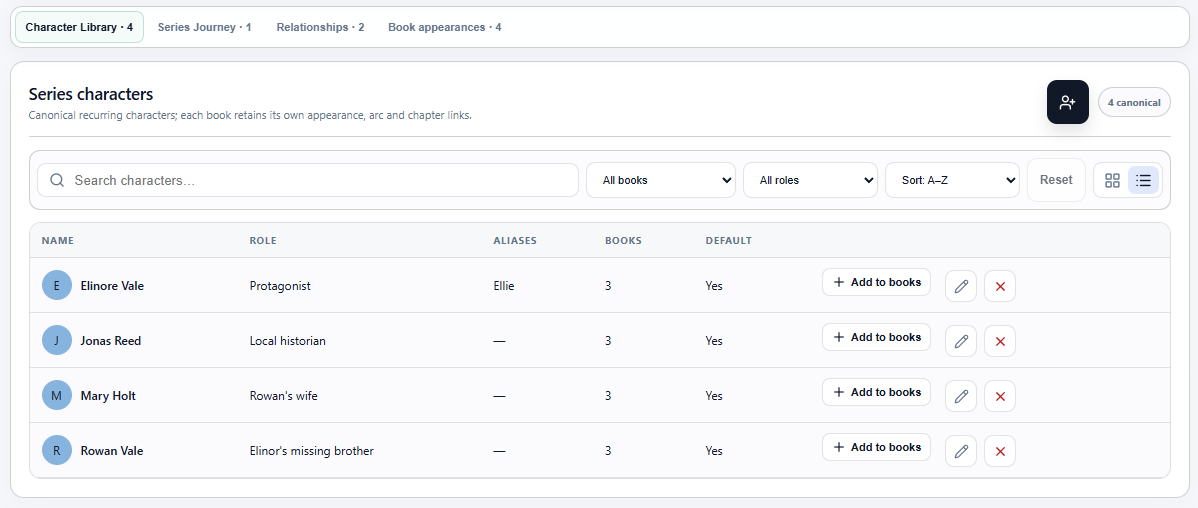
Characters added here become available throughout the series while each individual book maintains its own appearance, chapter links, and story-specific details.
Use the Character Library to:
import characters from existing (linked) books
create recurring series characters
link characters to additional books
edit shared character information
search and filter large casts
The Character Library should contain only information that remains true throughout the series.
Changes unique to a particular book should be recorded in the relevant project instead.
Series Journey
Characters rarely stay the same from one book to the next.
Series Journey allows you to create character snapshots that record how a character has changed at a specific point in the series.
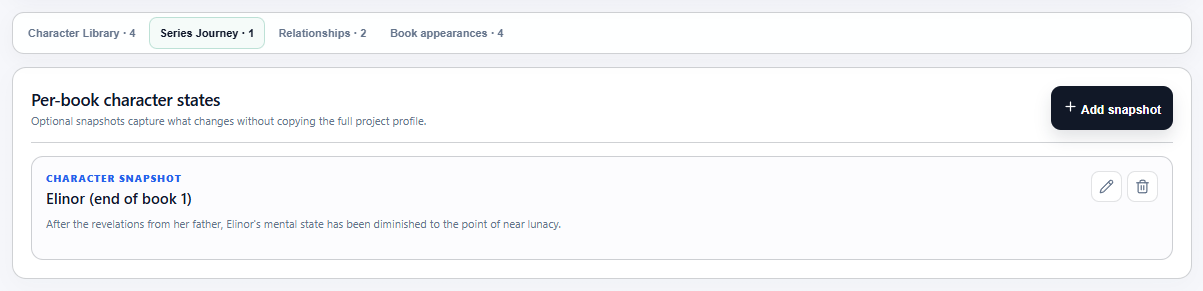
Rather than duplicating an entire character profile, snapshots capture only the important developments, such as:
emotional changes
new motivations
physical injuries
promotions or career changes
significant life events
changes in beliefs or relationships
Snapshots provide a clear record of each character's progression without cluttering the main character profile.
Relationships
Relationships define the long-term connections between recurring characters.
Each canonical relationship is shared throughout the series and automatically remains consistent wherever those characters appear.

If a relationship changes significantly during the series, you can record a relationship snapshot to capture that point in time without altering the original relationship.
This makes it easy to track evolving friendships, rivalries, romances, and family dynamics across multiple books.
Book Appearances
Book Appearances shows where each recurring character appears throughout the series.
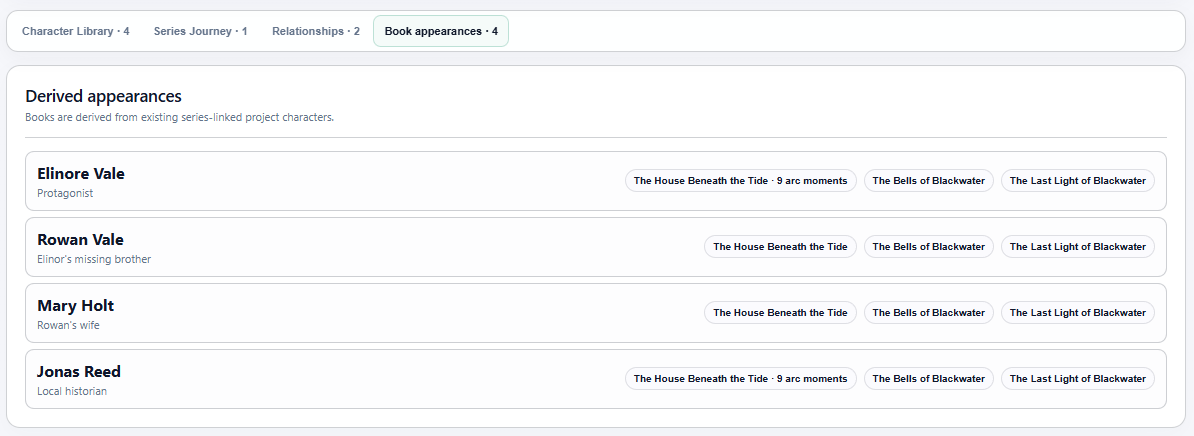
For every series character, you'll see the linked books in which they appear, making it easy to identify missing appearances or confirm that important characters remain visible across the series.
Selecting a book opens that project, allowing you to manage the character within that specific story.
Suggested workflow
A simple approach for managing recurring characters is:
Add recurring characters to the Character Library.
Link them to the books in which they appear.
Create snapshots when a character changes significantly.
Record important relationship changes as the series develops.
Review Book Appearances before outlining a new book to ensure continuity.