Introduction
Plan your stories. Organise your ideas. Build worlds that stay consistent.
What is Scryla?
Scryla is a planning workspace built specifically for novelists and storytellers.
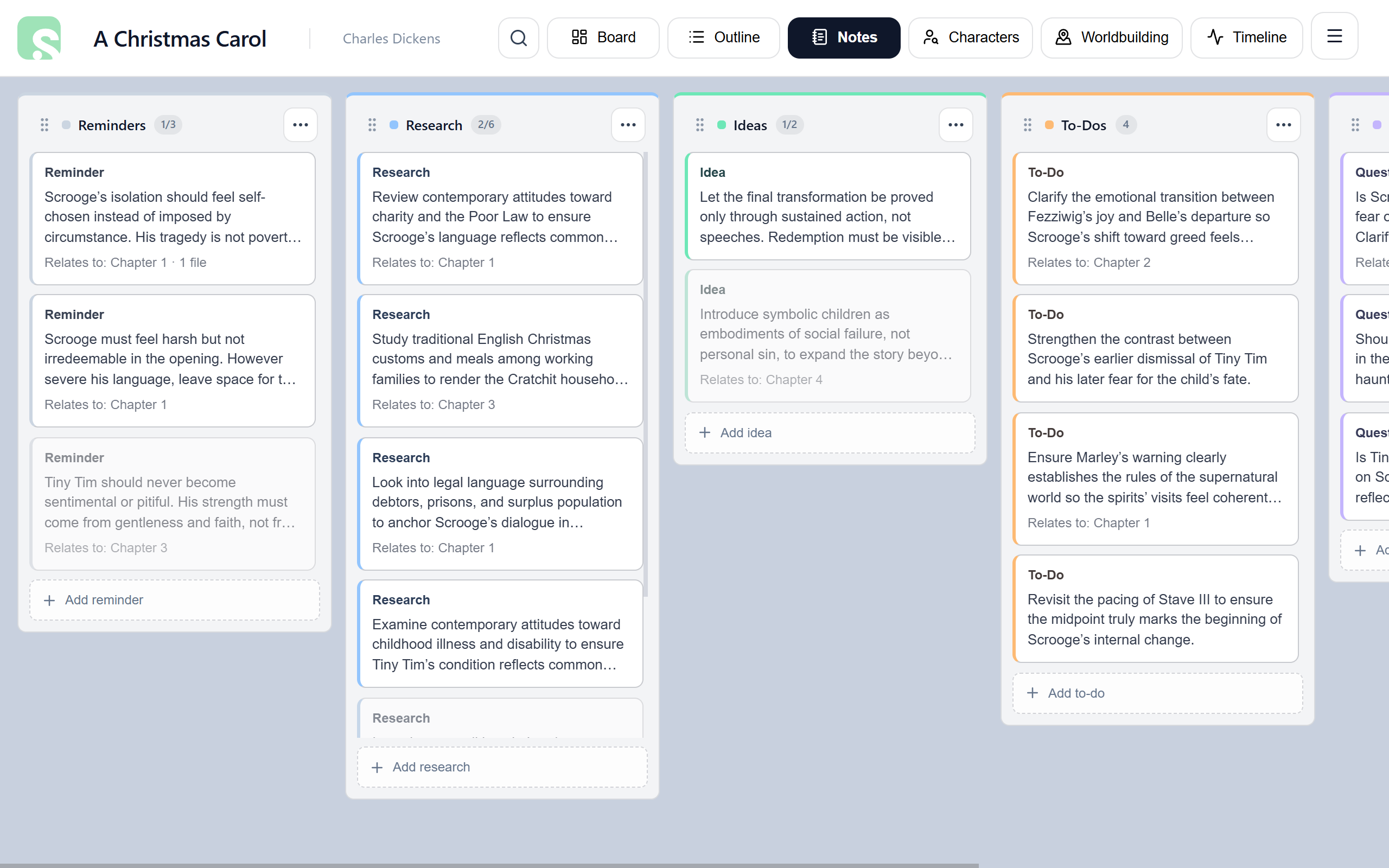
Whether you're outlining your first novel or managing a long-running series, Scryla keeps your entire story together in one place. Chapters, scenes, characters, worldbuilding, notes, timelines, story structure, marketing material, and series planning all remain connected, so you spend less time searching and more time writing.
Unlike a collection of documents or spreadsheets, Scryla understands how your story fits together. Characters can appear in chapters, locations belong to your world, story events connect across timelines, and series planning follows every book from beginning to end.
Built for the entire writing process
Most writing software focuses on drafting.
Scryla focuses on everything that happens before, during, and after writing.
You can use it to:
Develop ideas
Plan chapters and scenes
Build characters
Create worldbuilding
Track continuity
Manage long-running series
Organize research and notes
Store marketing material
Export and back up your work
Whether you outline every chapter carefully or discover your story as you write, Scryla adapts to the way you work.
Plan first. Write anywhere.
Scryla isn't a word processor.
Instead, it's designed to work alongside whatever writing software you already enjoy using. Many authors plan in Scryla before drafting in tools such as Word, Scrivener, Google Docs, Atticus, or LibreOffice.
By separating planning from drafting, your outline remains easy to update without disrupting your manuscript.
Learn at your own pace
You don't need to master every feature on day one.
Many writers begin with nothing more than chapters and notes, then gradually add scenes, characters, story structure, worldbuilding, or series planning as their projects grow.
Every guide in this documentation is written to help you learn one feature at a time.
Tip
The quickest way to get started is to follow the Getting Started guide, which walks through creating your first project from a blank workspace.