Series workspace: Story Map
The Series Story Map brings together your most important planning elements into a single chronological view.
Instead of switching between frameworks, threads, canon, and continuity records, Story Map displays them together so you can see how your series develops over time.
It's designed to help you review the big picture, identify gaps, and understand how different story elements interact across multiple books.
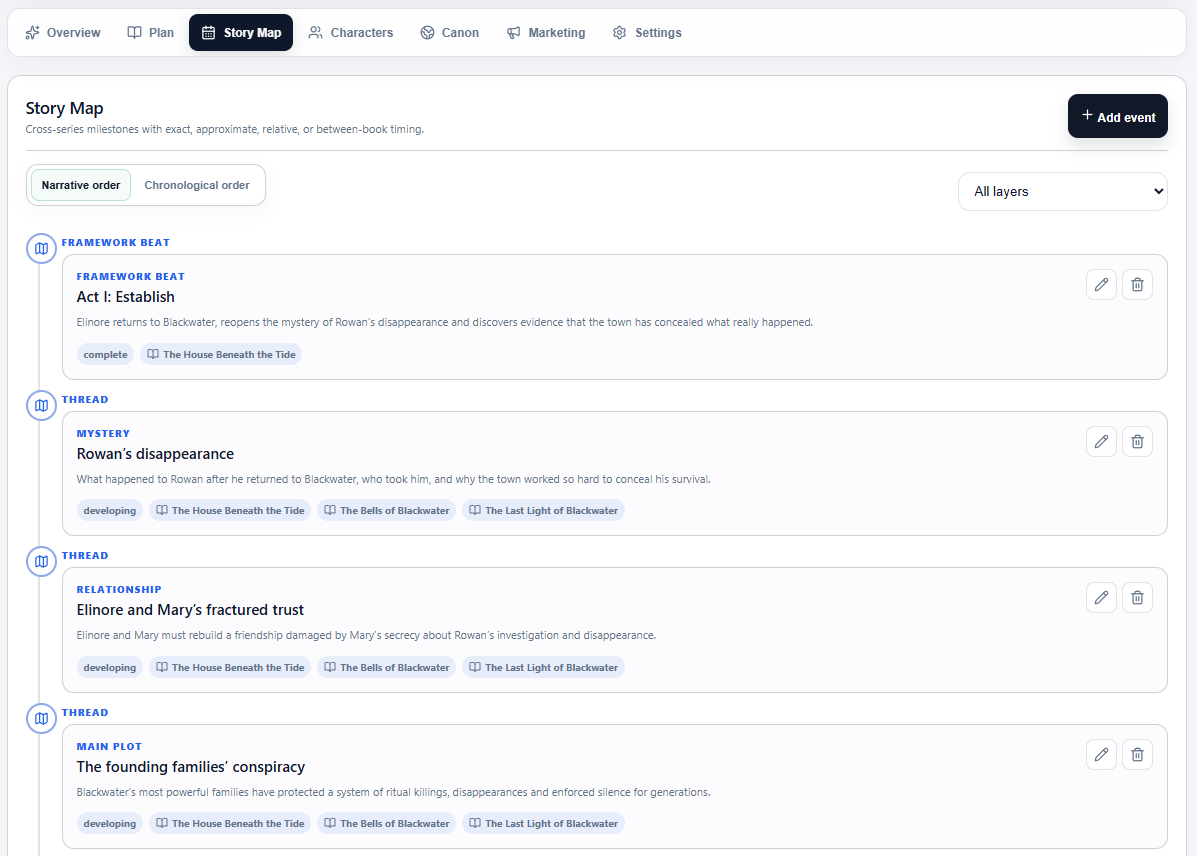
Narrative and chronological order
Series Story Map can display events in two different ways.
Narrative order
Narrative order displays events as readers experience them throughout the series.
This is the best view when reviewing pacing, story progression, and how information is revealed over multiple books.
Chronological order
Chronological order rearranges events into the order they occur within your fictional world (based on your input).
This makes it easier to identify timeline inconsistencies, overlapping events, or historical details that influence later books.
Switch between both views whenever you need to compare narrative structure with your world's internal chronology.
Layers
Not every planning element needs to be visible at the same time. Use the Layers filter to choose which information appears on the Story Map.
Depending on your project, you can display items such as:
framework beats
ongoing threads
setups and payoffs
canon facts
continuity changes
character milestones
custom event types
Hiding unnecessary layers makes it easier to focus on the information you're reviewing.
Timeline events
Every entry on the Story Map represents a significant series milestone.
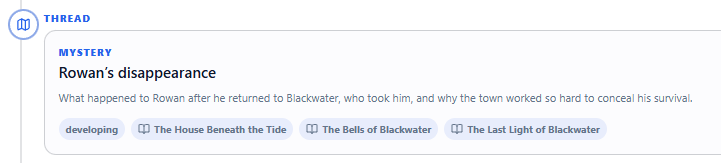
These events may come from other planning tools, such as Frameworks or Threads, or they may be standalone events created specifically for the timeline.
Each entry displays:
its event type
a title and description
linked books
linked characters or other related items where applicable
Selecting an event allows you to edit or remove it.
Adding standalone events
Not every important moment belongs to another planning system.
Use Add event to create timeline entries that don't naturally fit into Frameworks, Threads, or Canon.
Standalone events are useful for recording historical moments, world events, political changes, or other milestones that influence the series.
Reviewing your series
Story Map is particularly useful during editing or before outlining a new book.
Scrolling through the complete timeline makes it easier to spot:
long gaps between important events
competing storylines that develop at the same time
unresolved plot threads
continuity problems
important character milestones occurring too close together
Rather than replacing your other planning tools, Story Map brings them together into a single visual overview.