Creating and Managing a Series
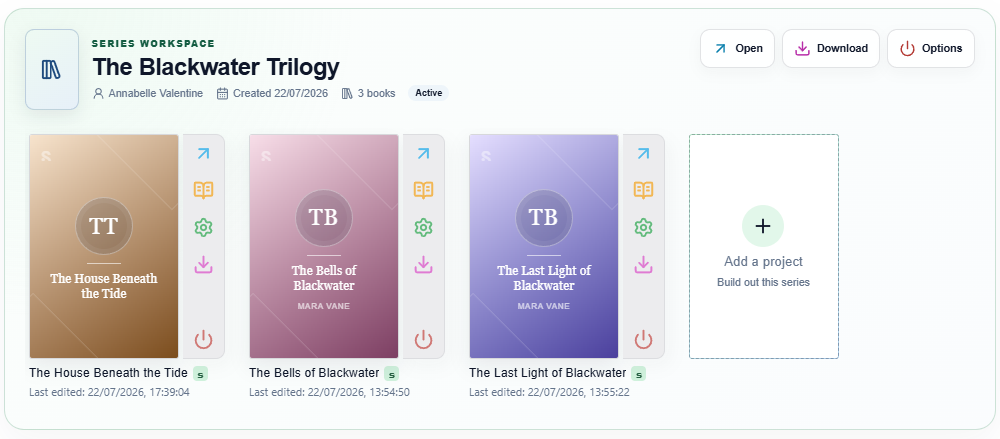
Managing a series of books is easy with Scryla. You can group together existing titles into a series, or create the series record first and add titles as you go.
Creating a new series
Click + New series to begin. You can add as few or as many details as you need, but the only field that is required is the series name.
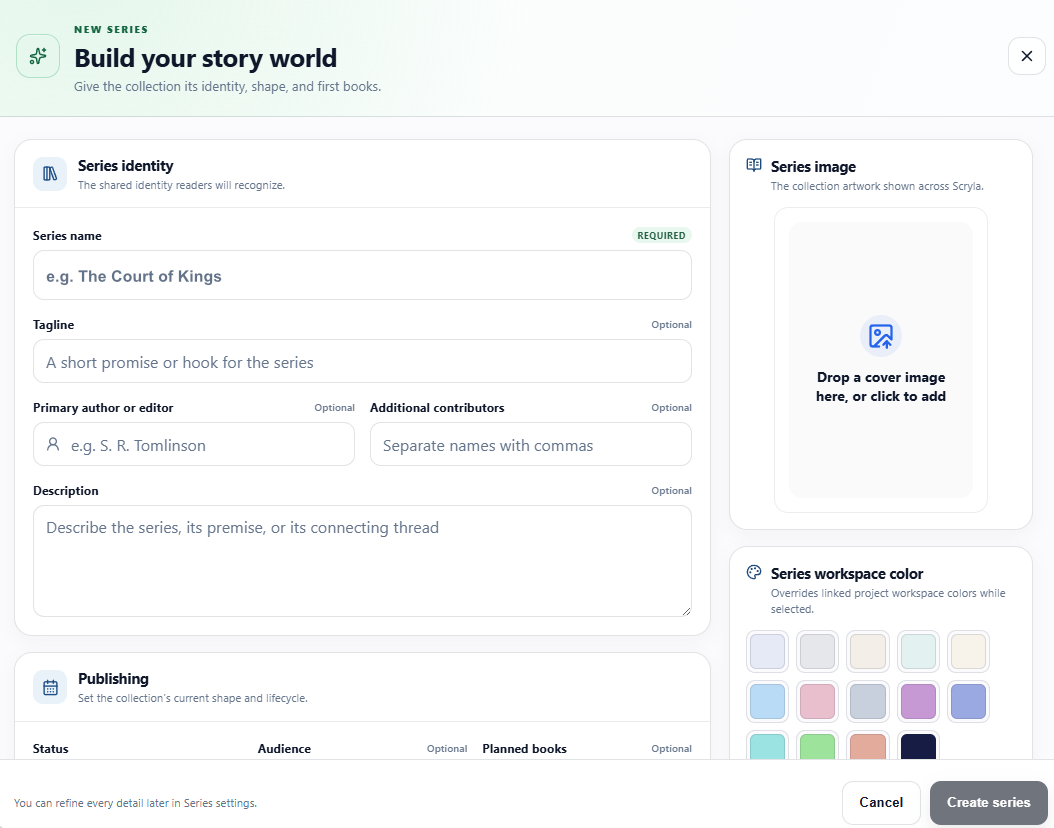
Series identity
Give your series a name so you can identify it later. Optionally add a series tagline if you have one.
You can upload a series image and select a workspace color. This will form the backdrop to every book in your series if set.
Discoverability
Attach a primary and secondary genres to your series.
Managing your series
Once created, you’ll be taken to your series management page. Here you’ll be able to plan your series arcs, add series-related characters (characters that regularly appear in all or many of the books in the series), and map out framework beats, active series threads and book-related setup and pay-off moments.