Understanding the Story Map View
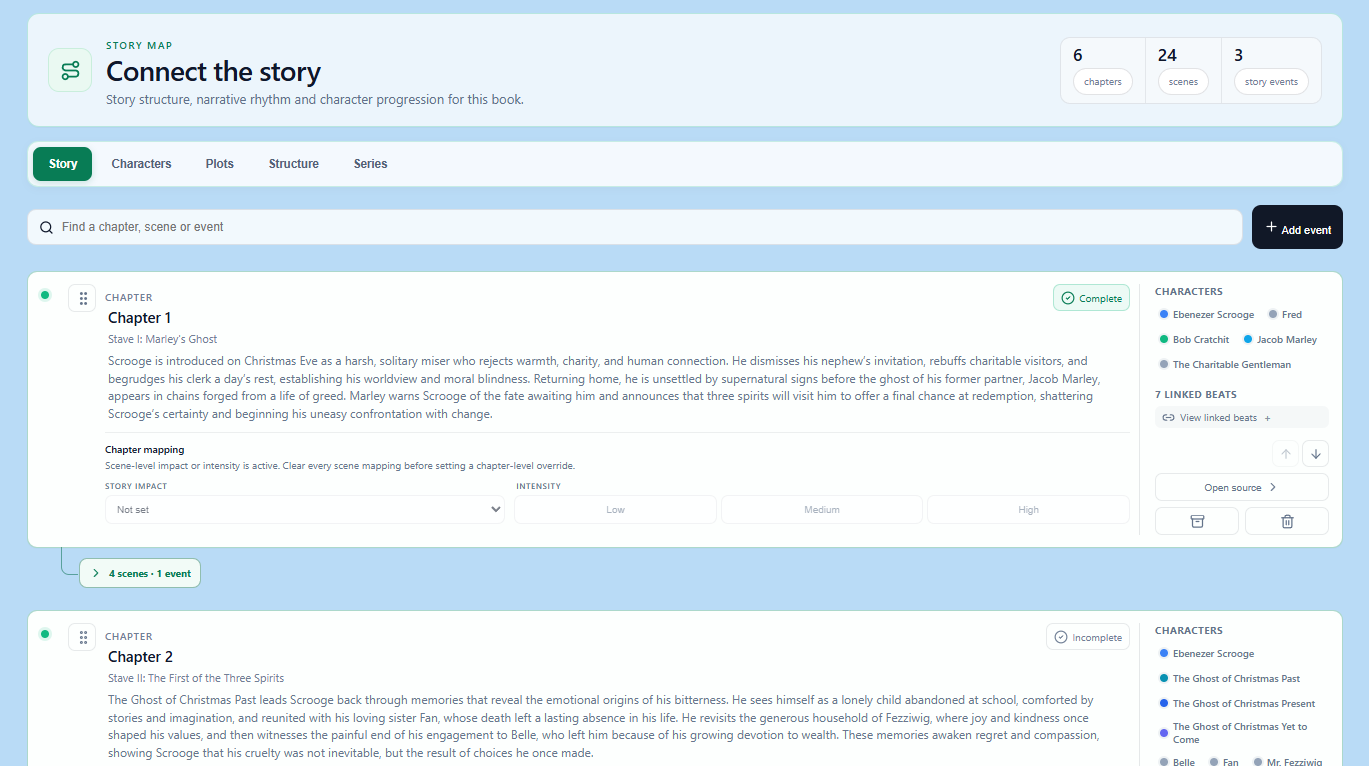
The Story Map view is the architectural structure of your entire project, laid out in a clear, concise manner, so that you can track story progress, make changes, and rearrange items at will.
Your Story Map is divided into four or five (depending on your project) sub-sections:
Story
Characters
Plots
Structure
Series*
(*appears only if your project belongs to a series)
Let’s dive into each view: