Importing and exporting
Take your work with you whenever you need to.
Scryla allows you to export projects, series, or your entire workspace as portable archives that can be restored later. Whether you're creating regular backups, moving to another account, or simply keeping an offline copy, exporting ensures your planning is always yours.
Why export?
There are plenty of reasons to create a backup of your work.
You might want to:
Create an offline backup before making major changes.
Transfer a project between Scryla accounts.
Archive completed projects for long-term storage.
Duplicate a project by exporting and importing it.
Keep regular backups for extra peace of mind.
Every export is packaged into a compressed ZIP archive that can be imported back into Scryla at any time.
Exporting a project
Exporting a project creates a complete backup of everything contained within that workspace.
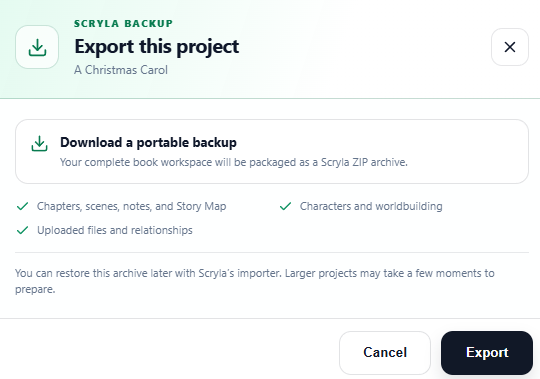
Chapters and scenes
Story events and Story Map data
Characters
Worldbuilding entries
Notes
Uploaded files
Relationships between your records
The resulting archive can later be restored using Scryla's importer.
Exporting a series
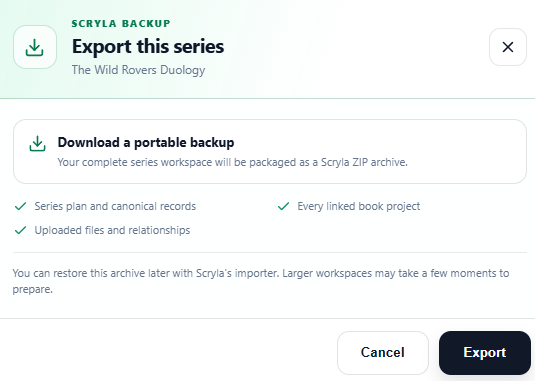
Alongside the complete series workspace, Scryla also includes:
Every linked book project
Series planning
Frameworks
Threads
Setups and payoffs
Canonical records
Uploaded files
Cross-book relationships
Think of a series export as a snapshot of your entire series, not just its planning documents.
Exporting your entire workspace
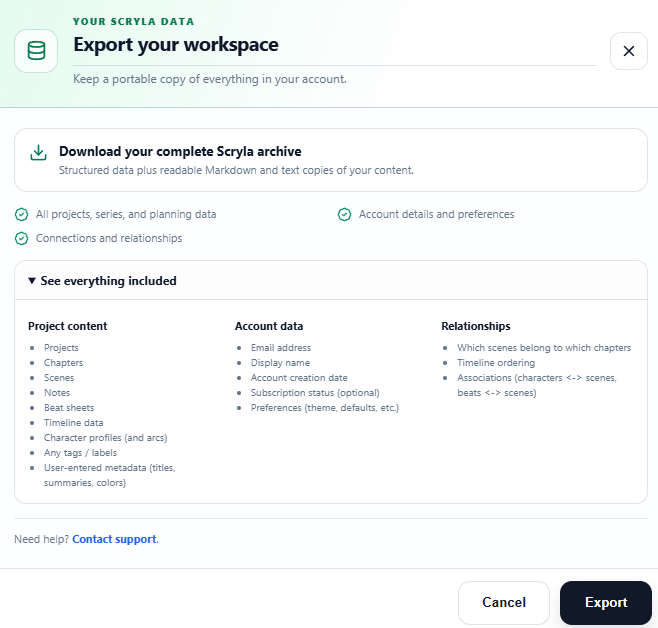
This includes:
Every project
Every series
Planning data
Relationships
Uploaded files
Account preferences
Display settings
Other account information
This is the most comprehensive backup available and is ideal for keeping regular offline copies of your work.
Exporting your account information
If you only need your account details, Scryla also allows you to export your account information as a JSON file.
This contains information such as your preferences and account settings without exporting your writing projects.
Importing projects and series
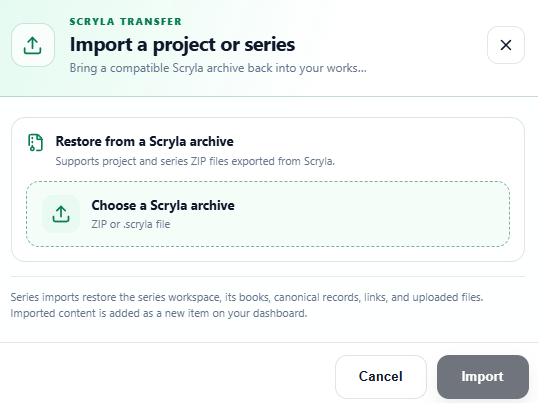
Simply choose a compatible Scryla archive and Scryla will restore the workspace as a new item in your dashboard.
Projects and series are imported independently, allowing you to restore exactly what you need without affecting your existing work.
What file types are supported?
Scryla currently imports:
Scryla project archives
Scryla series archives
Support for importing from other writing and planning applications may be added in future updates, but is not currently available.
What's included?
Scryla preserves both your content and the connections between it.
That means your archive doesn't simply contain chapters and notes—it also remembers how everything fits together.
Depending on the type of export, this includes:
Chapters and scenes
Story Map information
Characters
Worldbuilding
Notes
Uploaded files
Cross-references
Timeline ordering
Relationships between records
Series planning and canonical data
When you restore an archive, your workspace is reconstructed with these links intact wherever possible.
Good to know
Exporting doesn't remove anything from Scryla. Your workspace remains exactly as it was after the archive has been created, allowing you to continue writing immediately.