Getting Started
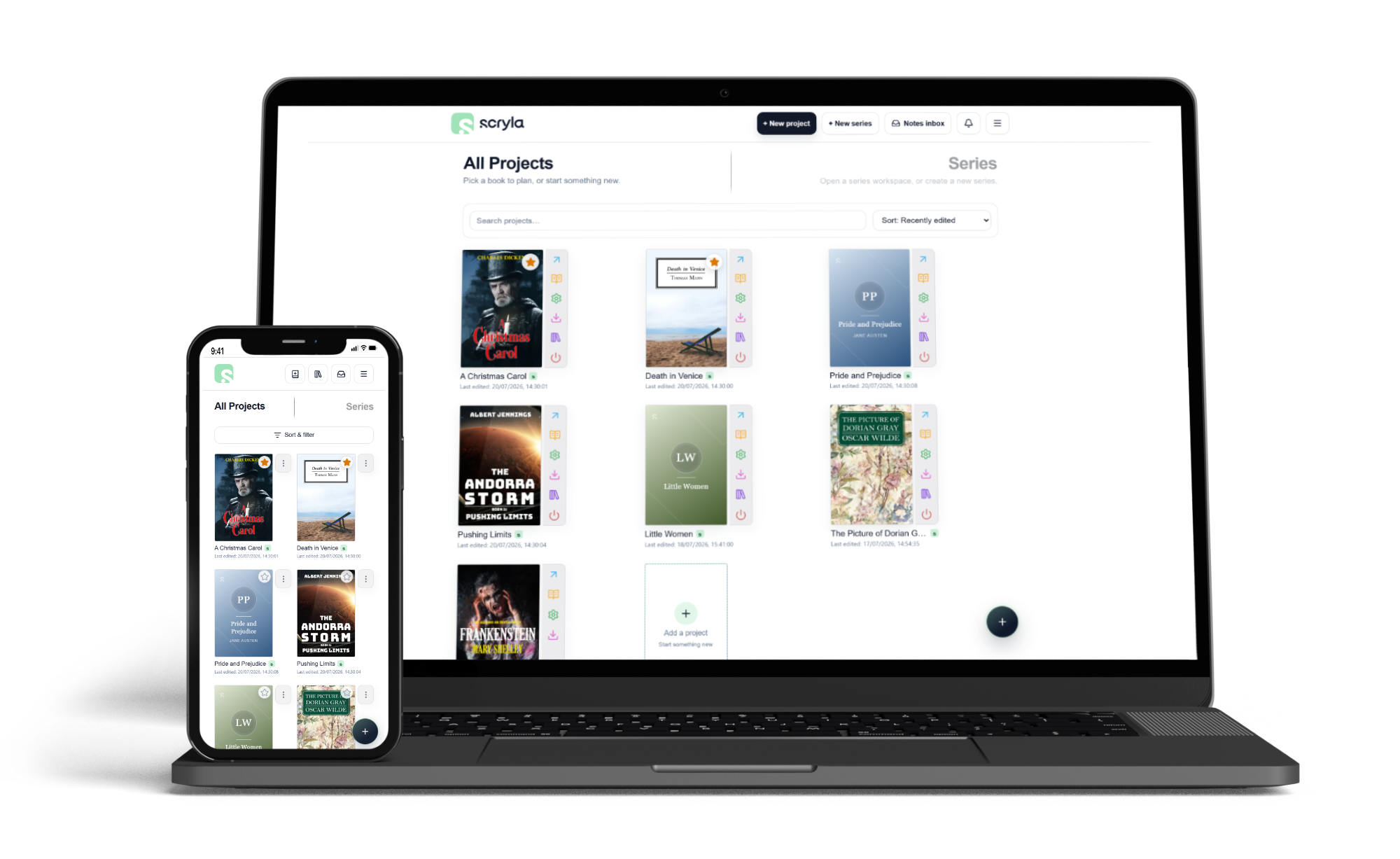
Create your first project and start planning in just a few minutes.
Welcome
Whether you're outlining your very first novel or organizing your tenth series, Scryla is designed to let you begin with almost nothing and add structure when you need it.
This guide walks you through the essentials, introducing the core tools you'll use every day.
You don't need to complete every step before writing; many authors start with chapters and notes before gradually exploring scenes, characters, Story Maps, worldbuilding, and series planning.
What you'll learn
By the end of this guide you'll know how to:
Creating an account
Create your first project
Understand the Board view
Add chapters and scenes
Organize notes and ideas
Build your first character
Add worldbuilding
Explore Story Maps
Create a series
Export and back up your work
Recommended learning path
Follow these guides in order for the smoothest introduction.
0. Creating your account
If you haven’t already done so, head to scry.la/new and create your account. Scryla offers a free plan as well as monthly and annual plans.
1. Creating your first project
Create a blank workspace for your novel.
Continue to: Creating Your First Project
2. Understanding the Board view
Learn how chapters, scenes, notes and planning cards are organised.
Continue to: Understanding the Board View
3. Build your first outline
Create a few chapters, add scenes, and organise them into the rough shape of your story.
Recommended reading:
4. Add your characters
Start recording the people who populate your story.
Recommended reading:
5. Build your world
Record locations, organisations, history, magic systems, or anything else your novel needs to remain consistent.
Recommended reading:
6. Explore Story Maps
Once your basic outline exists, Story Maps help connect every part of your story together.
Recommended reading:
7. Ready for a series?
Planning more than one book?
Create a Series Workspace to connect multiple novels, share characters and worldbuilding, and manage long-term story arcs.
Continue to: Creating and Managing a Series
8. Keep your work safe
Learn how to archive projects, restore deleted items, and export backups.
Recommended reading:
You don't have to use everything
One of Scryla's strengths is that it grows with you.
Some writers stick with chapters and notes. Others build detailed Story Maps, character journeys, and series bibles. There's no right or wrong workflow. Use the tools that support your creative process and ignore the rest until you need them.