Understanding the Outline View
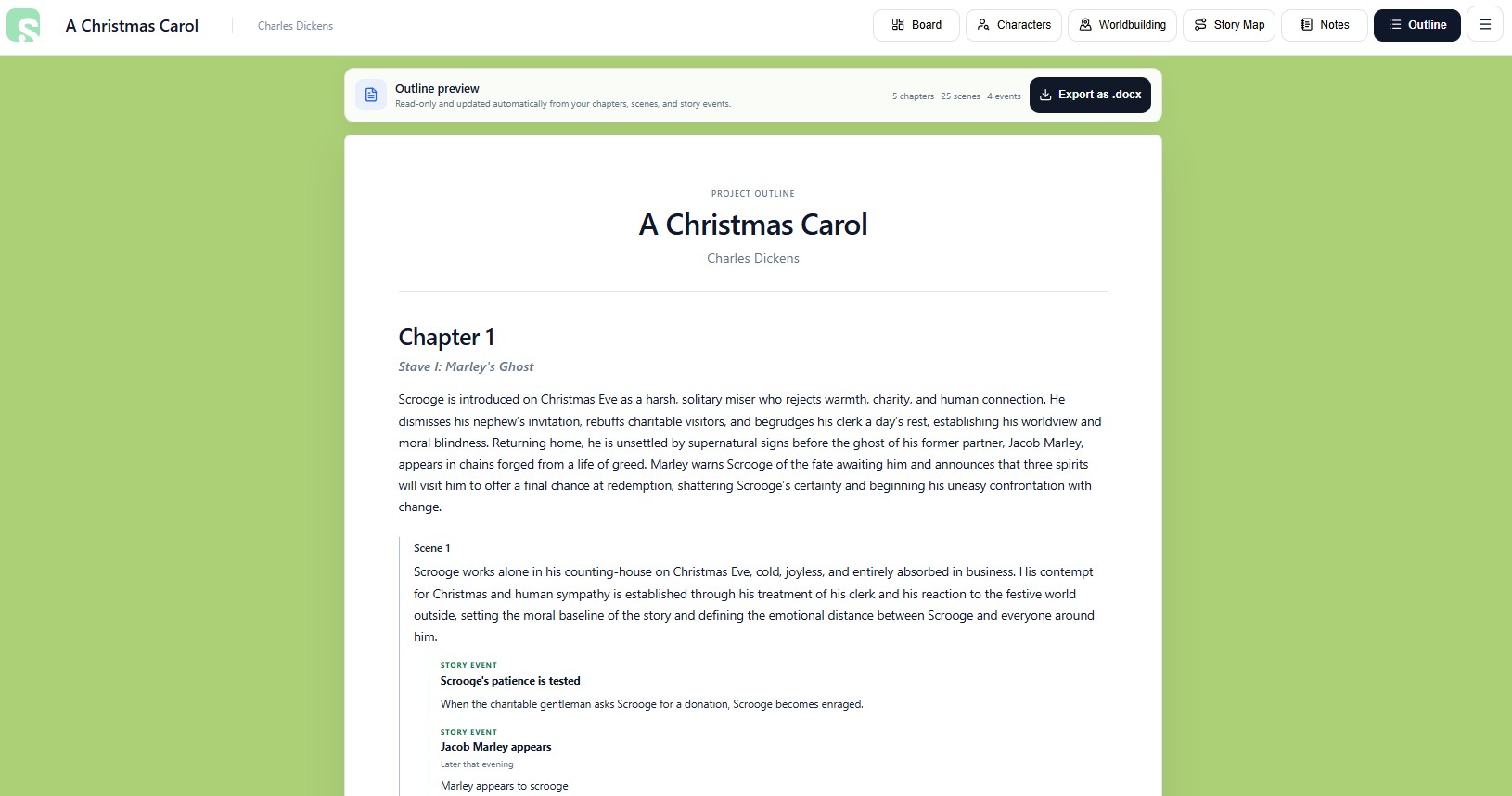
The Outline view pulls together all of the text you entered at a chapter, scene and story event level, and presents it as one full outline of your entire project.
It acts as an overview only.
You can read through your chapters, scenes and events in one uninterrupted flow, and download your project outline as a fully-formatted Word document to share with editors, beta readers, or to read through offline.
Pro vs Free Limitation: Free users do not have the option to download the DOCX Outline file, but they can copy and paste the outline into a text editor. If you feel you’ll need the option to download in the future, you can upgrade to a Pro account inside the app at any time.
Often, copying and pasting works just as well, though you may have to format the resulting document yourself.