Understanding the Characters View
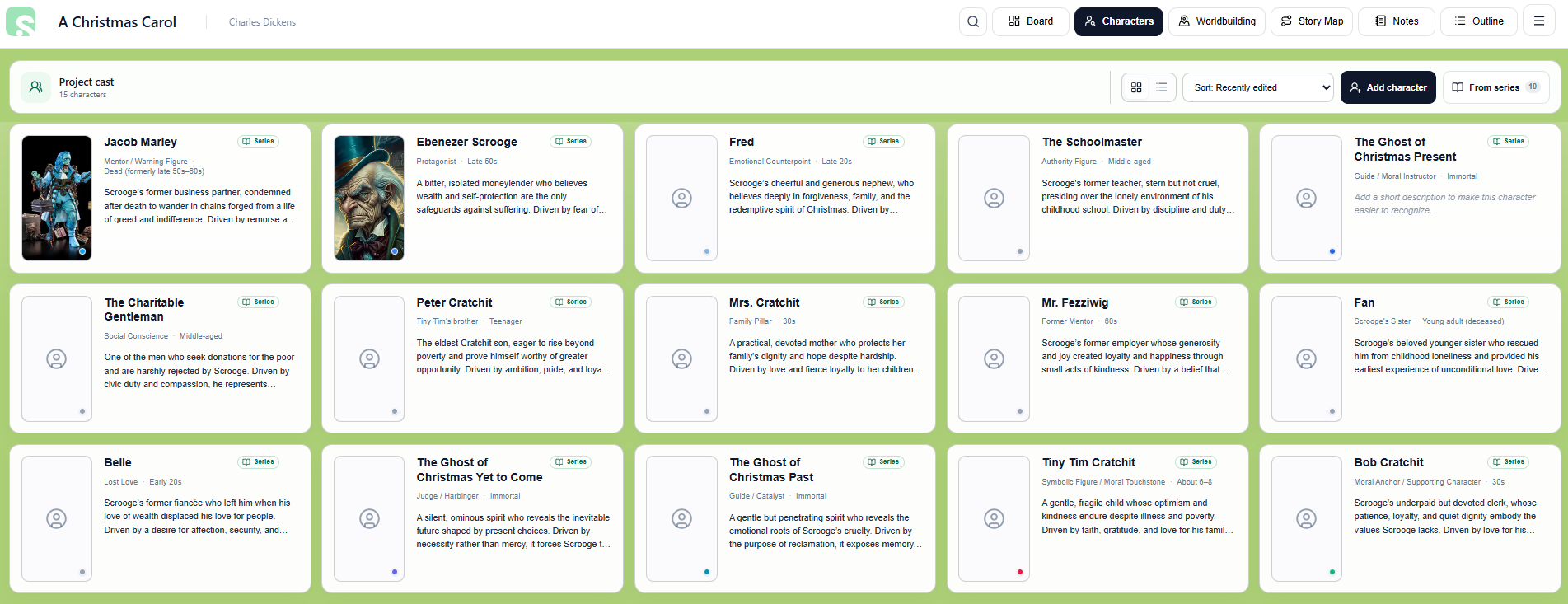
Switching to the Character view presents you with a grid of your characters.
Clicking on a Character card will open the character’s profile so you can update or amend it as needed.
View controls

At the top-right of the view, you can:
Switch between grid view and list view (list view is suitable for smaller screens or if you have a large cast list).
Sort your characters by name (A-Z, Z-A), by recently edited, or by oldest/newest first.
Add a new character
Import series characters into your project (if the project belongs to a series)
You can use the navigation bar’s
